I’ve been a Linux user for years. I’ve tried Ubuntu, GNOME, KDE, and various other distros. Each has its strengths. But I keep coming back to one: elementary OS.
It’s not the most popular distro. It doesn’t have the biggest community or the most software. But for me, it strikes the perfect balance between beauty, simplicity, and usability.
Here’s why.
The Pantheon Desktop: Simple, Clean, and Thoughtful
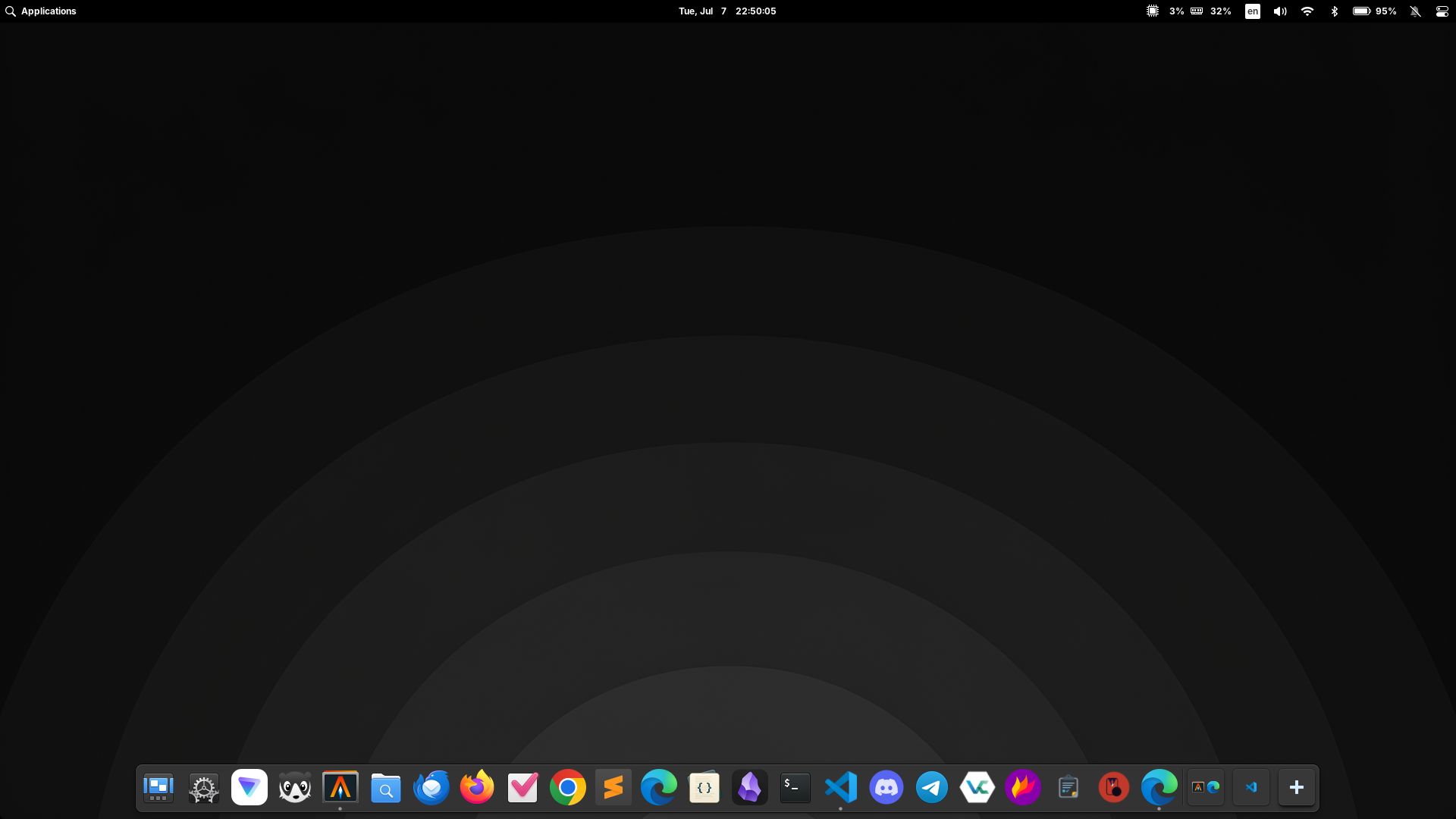
The first thing you notice about elementary OS is the desktop. Pantheon is a custom desktop environment built specifically for this distro, and it’s the main reason I use it.
It’s minimal without being bare. It’s elegant without being flashy. Everything feels intentional — every icon, every animation, every menu item has been designed with care.
On Ubuntu, I always found myself spending too much time tweaking GNOME to look and behave the way I wanted. Extensions here, settings there. It was a distraction.
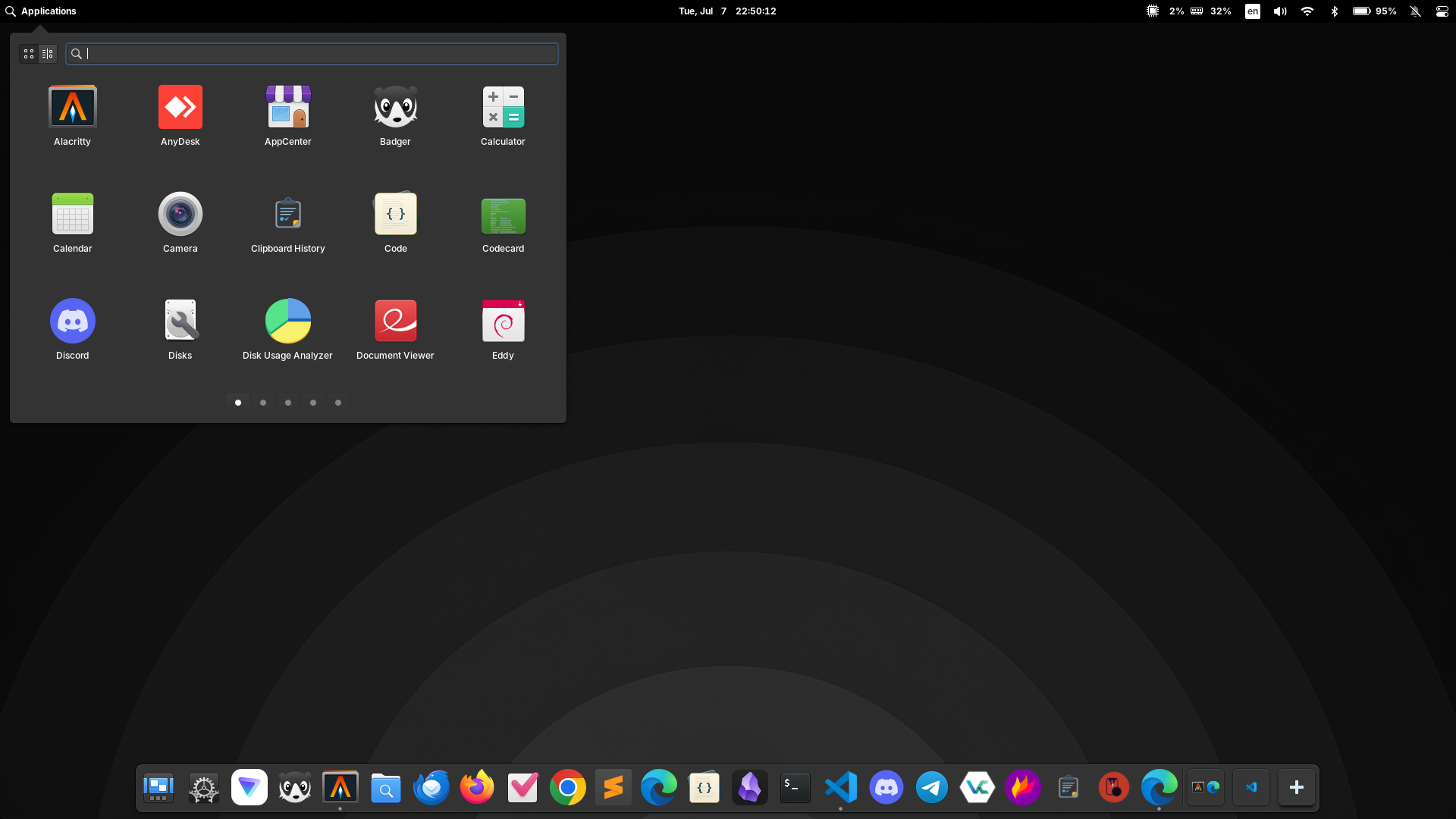
On elementary OS, I don’t feel the need to tweak. It already looks good. It already feels right. I can just open my laptop and start working.
Lightweight and Fast on Older Hardware
I run elementary OS on an Asus K401UQK — a laptop I’ve had since 2017. It’s not new hardware. Intel Core i5 7200U, 128GB SSD, 20GB RAM, and an aging Nvidia GPU.
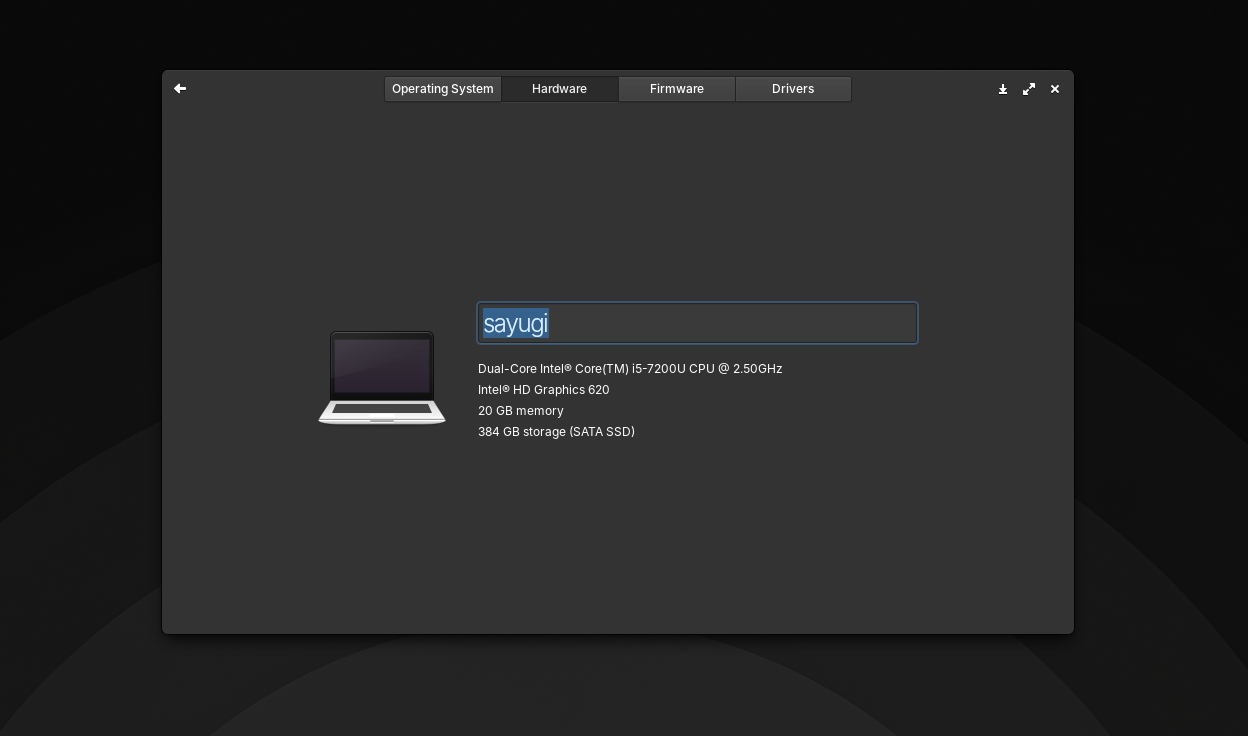
On Windows 10, this laptop felt sluggish. On Ubuntu, it was better but still a bit heavy. On elementary OS 8, it runs like new.
Pantheon is noticeably lighter than GNOME. With multiple browser tabs open, apps running in the background, and a second monitor connected, RAM usage stays surprisingly low.
What I noticed:
- Faster boot times
- Smoother trackpad gestures (two-finger scrolling, three-finger window management)
- Lower memory usage compared to Ubuntu
- No lag when switching between apps
For older laptops, this makes a real difference.
No Distractions, Just Work
One of the things I appreciate most about elementary OS is that it gets out of my way.
There are no popups. No ads. No unnecessary notifications. Just a clean desktop where I can focus on what I’m doing.
The dock auto-hides when windows overlap, keeping screen real estate clean. The app menu is simple and searchable. The notification system is non-intrusive.
For someone who spends hours writing, coding, and researching, this makes a huge difference.
AppCenter and Flatpak Support
elementary OS has its own AppCenter, which offers curated applications that follow the same design philosophy. It’s not as large as Ubuntu’s repositories, but the apps you find there work well.
And if I need more, Flatpak is built-in. I can install apps from Flathub without any extra setup.
For .deb packages, I use Eddy — a simple GUI installer that’s clean and easy to use.
My App Setup on elementary OS
| Purpose | App |
|---|---|
| Browsing | Chrome, Firefox, Zen |
| Coding | Sublime Text, Code |
| Notes | Anytype |
| Terminal | WindTerm |
| Thunderbird | |
| Office | LibreOffice 25.8 |
| Media | VLC, Spotify |
| Password | KeePassX + Bitwarden |
Everything I need is available. No compromises.
What I Miss (and What I’ve Adjusted To)
No OS is perfect, and elementary OS has a few quirks:
-
Workspace switching on dual monitors — Switching workspaces doesn’t change the second monitor. It’s a Pantheon limitation I’ve learned to work around.
-
Clipboard history — My own app from elementary OS 7 isn’t available yet, so I use Clipboard History.
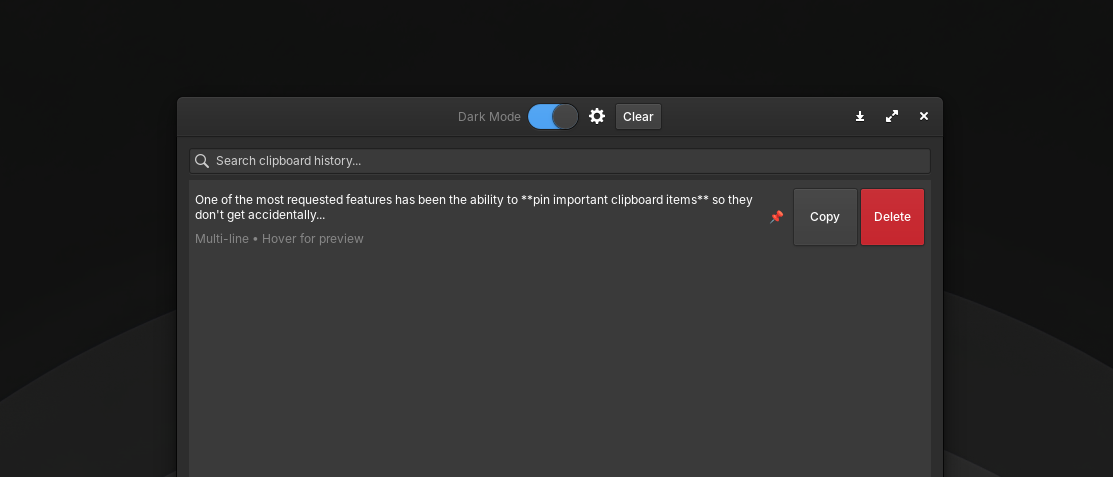
- Source code: github.com/gylangsatria/clipboard-history-elementary
- Download .deb: Available on the releases page
- Smaller ecosystem — It doesn’t have the massive community of Ubuntu or Arch. But for daily use, it’s been fine.
Why I Keep Coming Back
I’ve left elementary OS before. I’ve tried Ubuntu, GNOME, and other distros. But I always return.
Because elementary OS feels like home.
It’s not the most powerful distro. It doesn’t have the most features. But it has something harder to find: cohesion.
Everything works together. The design is consistent. The experience is smooth. And for someone who just wants to get work done without wrestling with their OS, it’s perfect.
Should You Try It?
If you’re looking for:
- A clean, beautiful desktop
- Lightweight performance on older hardware
- A distraction-free environment
- A Linux distro that feels like a complete product
…then elementary OS is worth a try.
It won’t give you the flexibility of Arch or the community of Ubuntu. But it will give you something else: a desktop that just works, and makes you happy while using it.
You can download it here: elementary.io
Have you tried elementary OS? What was your experience? Let me know in the comments.